Network Account and Moodle Access
Can’t log onto Moodle or My Dawson Portal?
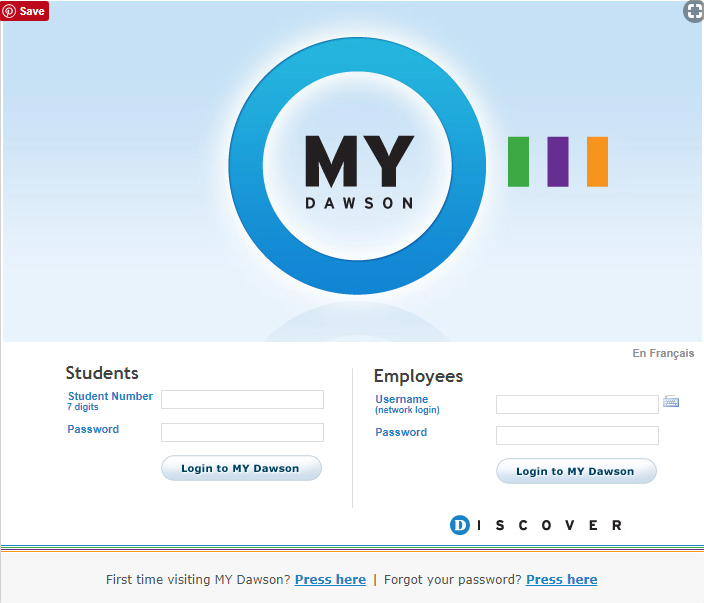
In order to get you access to Moodle (online course platform), you will first need to create an accounting in My Dawson Portal. Then, you will need to create network password for all your network accounts, e.g., local Dawson computers and Wi-Fi here at the college.
Click on Download button above to get the PDF. Then Follow the instructions to set up your account and passwords.